


How it works
Prepare on the web.
Organise on the go.
Bring your event information together in the web platform. Your organising team uses the mobile app for attendance checks and useful information during the event.
Web platform · before the event
Start with the information your team needs.
01
Arrange your event setup
Contact us about your organisation and event. Today, we set up your event with you and arrange access with personal onboarding.
02
Prepare your participants
Add participants or import an Excel workbook. Keep contact details and event-specific information together.
03
Organise lists and documents
Prepare attendance lists and participant QR labels. Add the event contacts and documents your organisers will need along the way.
- Request access
Contact us with a few details about your event. We’ll help set it up and send your sign-in details.
- Prepare your event
Sign in to the web platform and add your participants, attendance lists and any documents your team will need.
- Download the app and invite your team
Install Go4Check, then share these download links with the organisers who need access. Give each person the sign-in details for their own account.
- Work together during the event
One event can have multiple organiser accounts. Your team can look up participant information and scan QR codes at the same time, even at different entrances or checkpoints.
Organiser app · during the event
Log in. Open your event. Get going.
01
Open the organiser app
Your staff log in and select the relevant event to work with its participant and activity information.
02
Record attendance
Scan a participant’s QR identifier for the selected list, or record attendance manually. Plan for internet access when recording checks.
03
Check again when needed
Use repeated attendance sessions for successive checkpoints and consult the recorded participant history.
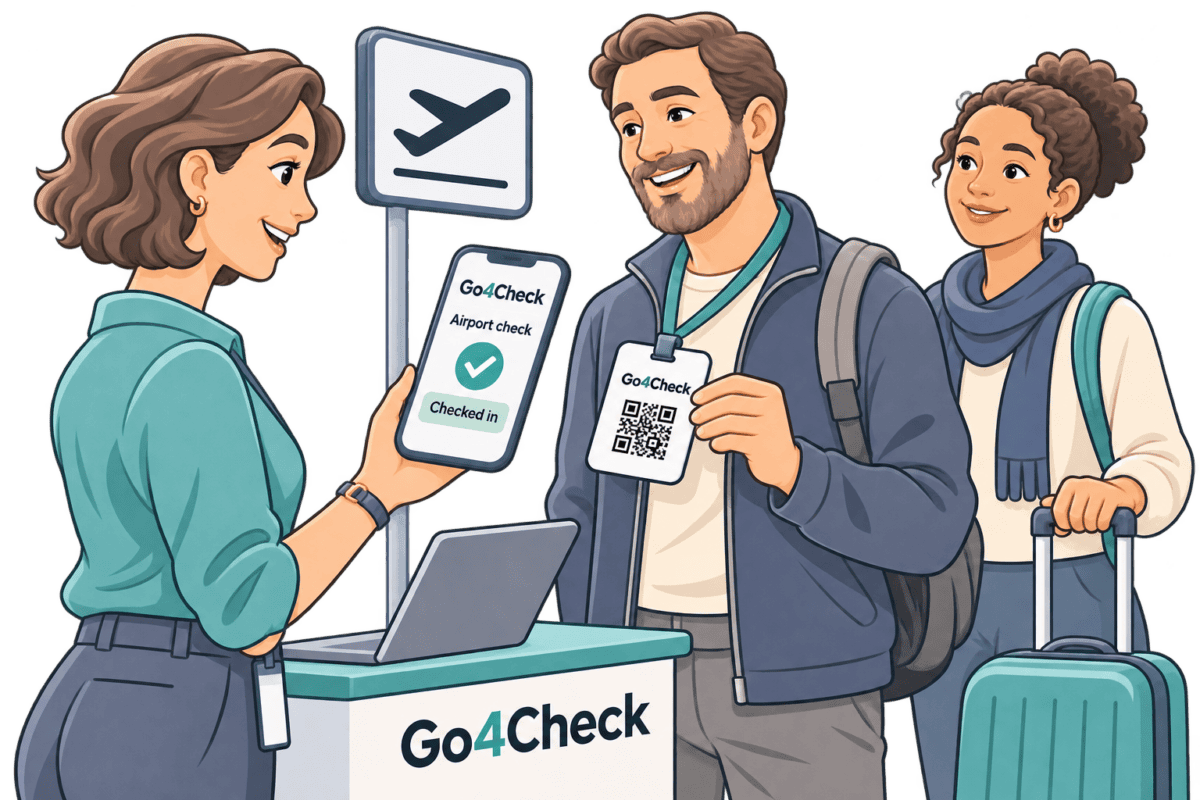
Check the group at the airport
Scan participant QR identifiers to record who is present at your group’s meeting point.
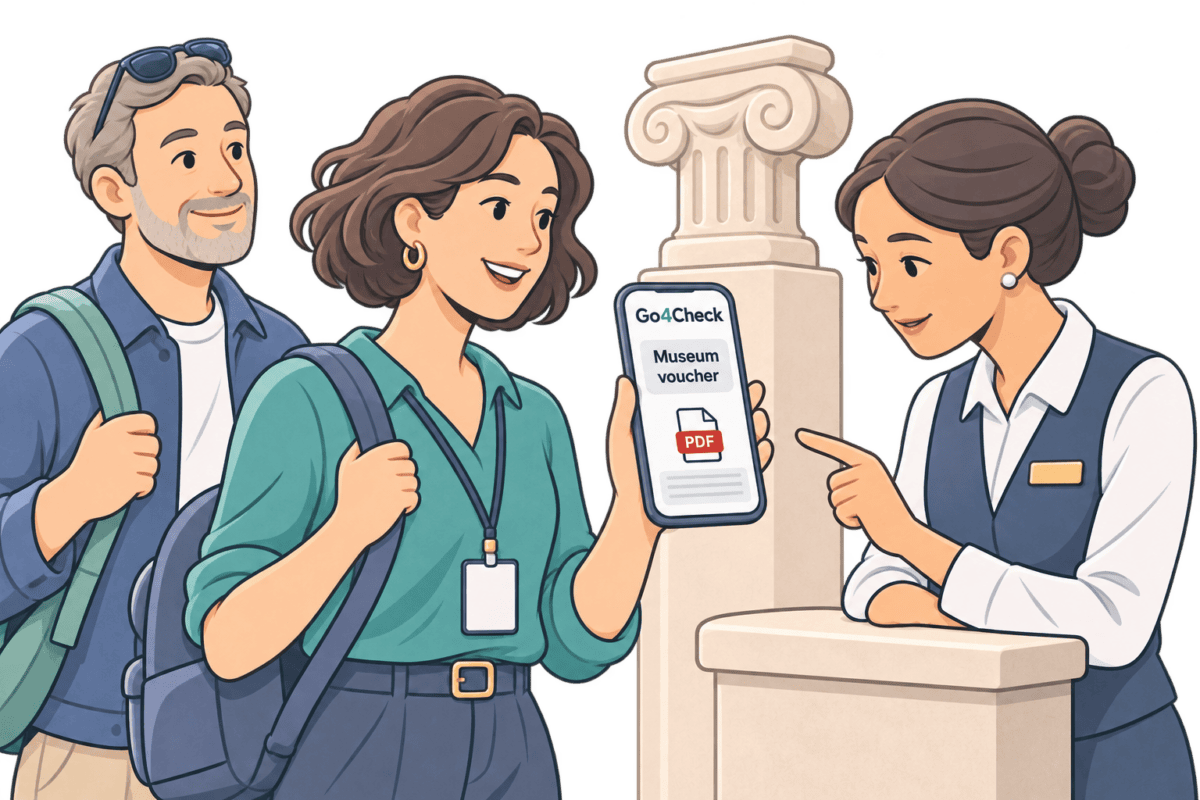
Open a voucher at the entrance
Show an uploaded museum voucher from the app when your group arrives.
Answer a participant’s question
Consult useful participant information and contacts while helping someone during the trip.
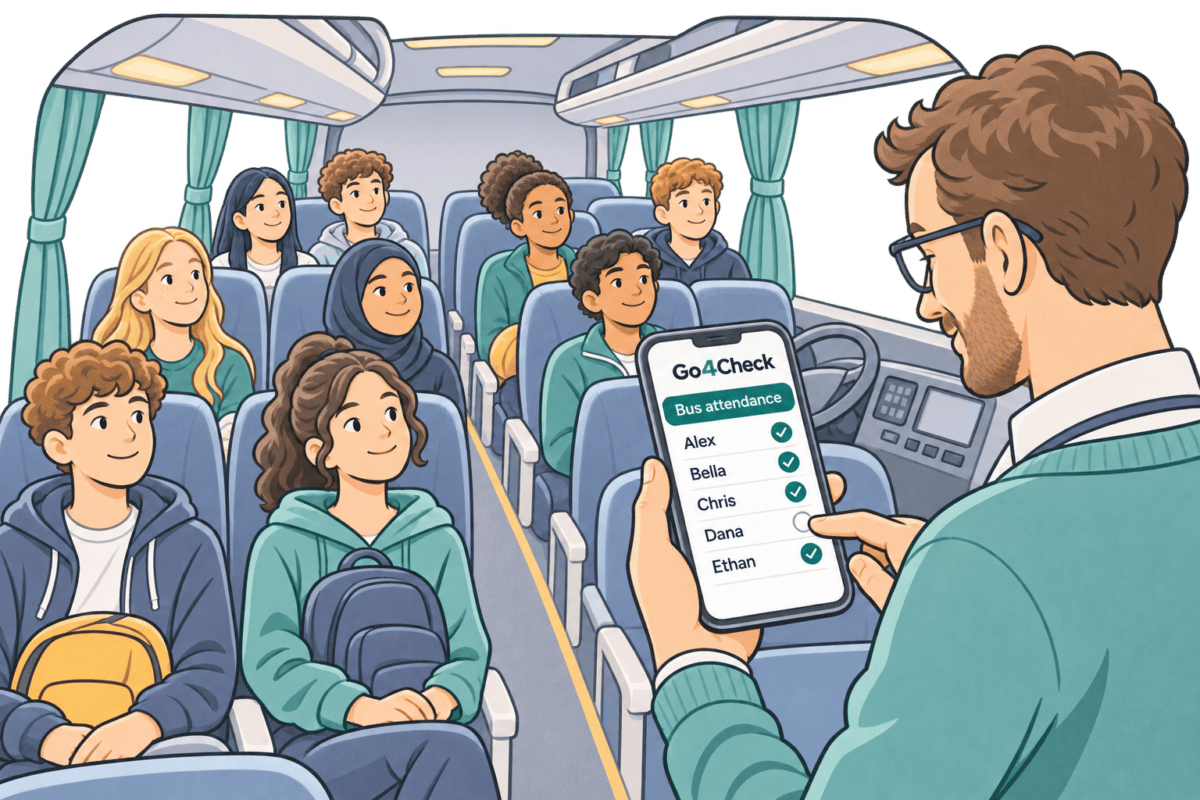
Take attendance on the coach
Select the students present in the attendance list before continuing the journey.
Keep practical information within reach.
Profiles, contacts and documents.
Consult participant profiles, find useful event contacts and open documents or vouchers from the organiser app.
Phone, message and email actions open the relevant application on the organiser’s device.
The web platform and app work with the same event information. Participants do not need to install the organiser app for attendance checks.
A few practical details.
Can we create our own events today?
Event setup is currently arranged with us through personal onboarding. Independent account and event creation are planned for a later self-service release.
Do participants need an account?
Organisers carry out attendance checks. Participants do not need their own Go4Check account or app for their QR identifier to be checked.
Does checking attendance need internet access?
Yes. Plan for internet access when recording attendance and retrieving updated event information.
What does an attendance record tell us?
It shows a recorded check for the activity or session. It does not establish someone’s continuous physical location.
Let’s talk about your group
Tell us about your next event.
We’ll discuss your workflow, the information your team needs and the right way to get started.


