Coach hire companies

Offer trip check-in with your coach hire

If you hire out coaches or minibuses with a driver, you can offer Go4Check alongside the booking. Your customer’s group leader can use the organiser app to check who’s on board.

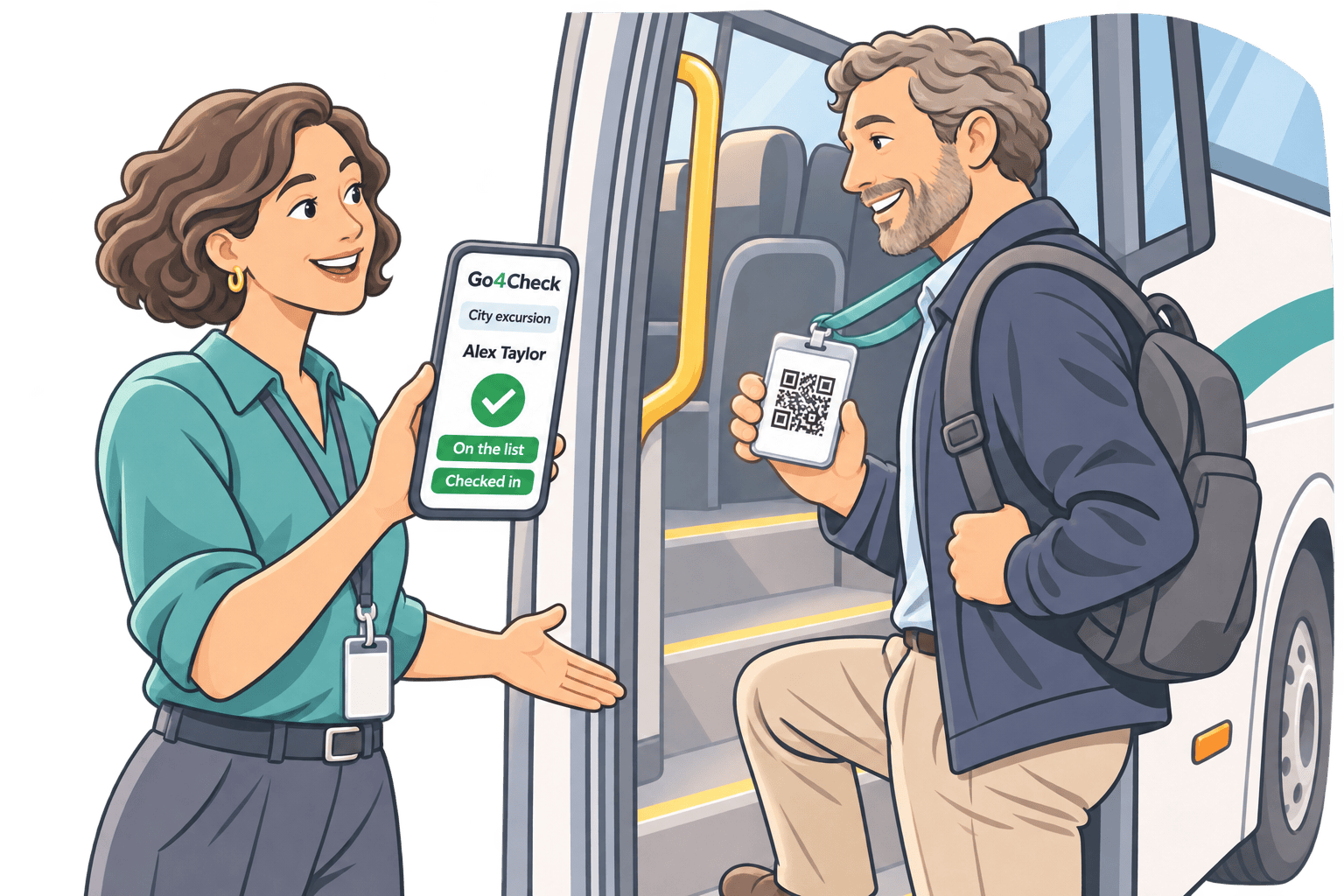
A group leader checks a traveller’s QR badge beside a coach.

From the coach booking to the last stop

01

Set up the trip

When a booking is confirmed, arrange a Go4Check event for that trip and decide who will prepare the passenger list.

02

Arrange access for the group leader

During onboarding, we’ll work with you on how the customer’s group leader gets access to the trip and opens it in the organiser app.

03

Check passengers as they board

The group leader can scan Go4Check QR passes or check passengers in by name. They can repeat the check at stops and before the return journey.

Where your customers can use it

School trips

For an outing with several classes, teachers can use separate lists to check the pupils they’re responsible for.

Company outings and club trips

The group leader can use separate lists for different coaches or pickup points and check who is on board before departure.

What the handoff could look like

A school books a coach for a day trip. The coach hire company offers Go4Check with the booking and helps arrange access for the teacher leading the trip.

On the day, the teacher checks pupils as they board and again before the return journey. The driver can focus on the route and the schedule.
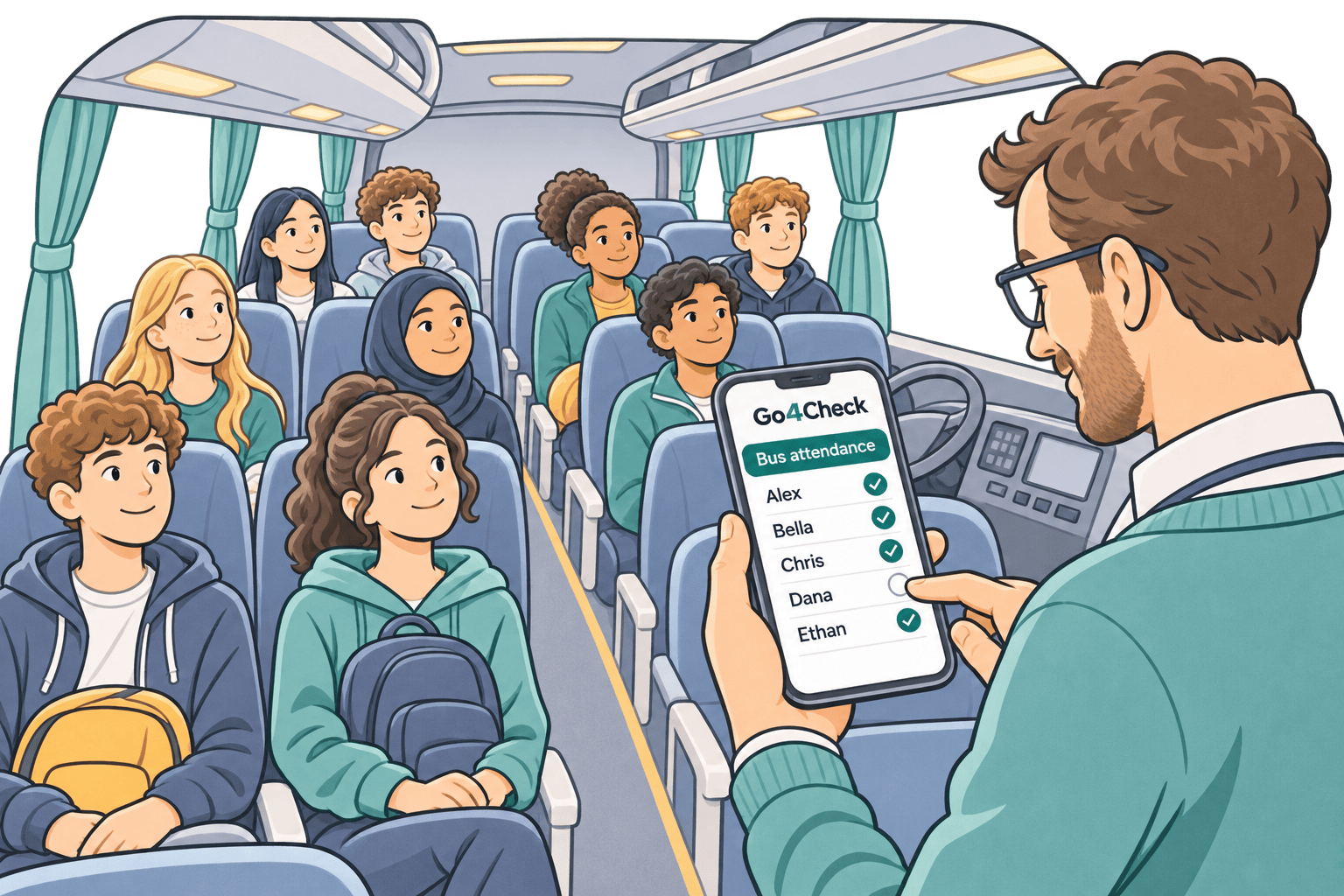
A teacher marks pupils present in the Go4Check organiser app aboard a coach.

Coach hire companies

Interested in the Enterprise plan?

Tell us how many bookings you’d like to cover and how you’d like customers to use the app. We’ll discuss Enterprise pricing and how to set up customer access.
